Whether conducted online or onsite, instructor-led live PowerPoint training courses demonstrate through interactive, hands-on practice how to use Microsoft PowerPoint to create, design, and deliver professional presentations effectively.
PowerPoint training is available as "online live training" or "onsite live training". Online live training (also known as "remote live training") is delivered via an interactive, remote desktop. Onsite live training can be conducted locally on customer premises in Transylvania or at NobleProg corporate training centers in Transylvania.
NobleProg -- Your Local Training Provider
Brasov, Calea Bucuresti Street
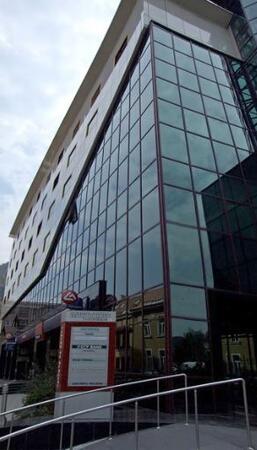
NobleProg Brasov, 13 Calea Bucuresti Street Sacele, Brasov, romania, 505600
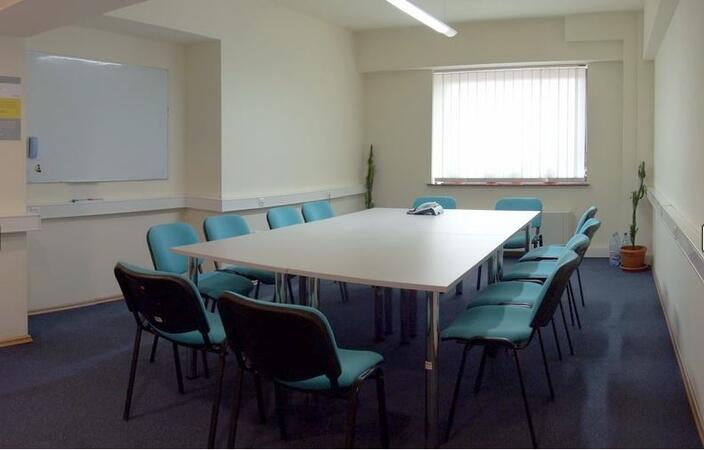
The hotel is situated at the city entrance, being the best conference and training location in Brasov. Three conference rooms can accommodate up to 170 guests and can be modified for the company needs. These training rooms are equipped with the all necessities of a good conference or training.
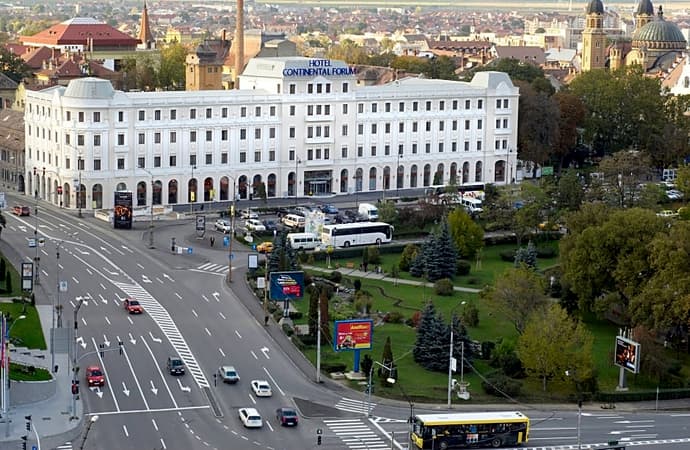
Salile de training sunt situate central în Sibiu, pe principalul bulevard. Clădirea hotelului care le gazduieste este de factură clasicistă si reprezinta un punct de referinta arhitecturala a orasului.
Turnul Sfatului, Galeria de Arta Contemporana, sau parcurile Corneliu Coposu si Astra se află în imediata apropiere.
Pentru a ajunge aici de la gara, puteti merge pe jos 20min sau cu autobuzul 5 circa 10min
Locuri de parcare găsiți în parcarea supravegheata, sau pe străzile alăturate.
Cluj-Napoca, Pitești Street
NobleProg Cluj-Napoca, Strada Pitești 19, Cluj-Napoca, romania, 400124
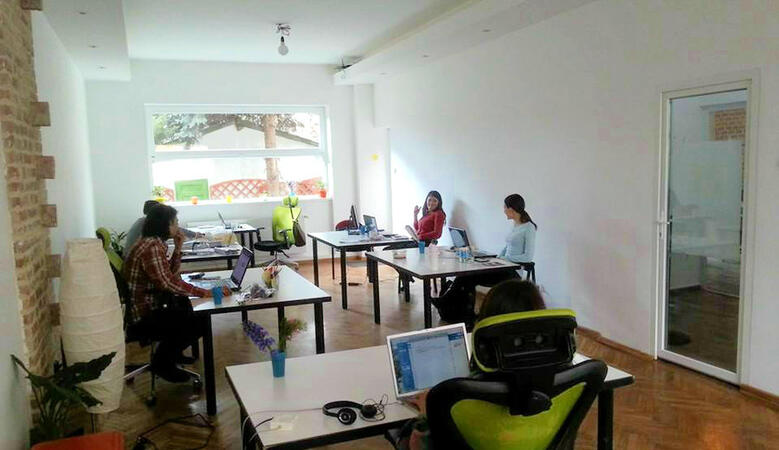
ClujHUB has more rooms for events and training sessions, which can host from 4 to 80 people. These areas can be setup up to fit the companies need. The location is great, 10 minutes walk from the historical city center.
This instructor-led, live training in Transylvania (online or onsite) is aimed at beginner to intermediate-level business professionals, educators, and marketers who wish to integrate DeepSeek with PowerPoint to automate and optimize their presentations.
By the end of this training, participants will be able to:
Automate the creation of text-based content in PowerPoint slides using DeepSeek.
Generate data-driven visuals and infographics powered by DeepSeek models.
Use AI to summarize long reports and turn them into presentation-ready slides.
Integrate DeepSeek with PowerPoint for streamlined, dynamic presentations.
Going beyond the basics of PowerPoint enables you to create refined, scalable presentations that truly captivate your audience. This course explores advanced slide and handout master customization, template development, the use of SmartArt for visual process mapping, and deep integration with Excel for live-linked data dashboards and charts. Professionals will learn power-user workflows utilizing add-ins such as Office Timeline and Poll Everywhere to speed up complex deck creation, streamline review processes, and deliver impactful business presentations.
Professionals aiming to create polished presentations can significantly benefit from advanced slide design techniques that transform standard content into compelling visual narratives. This course explores the fundamental principles of slide composition, chart and infographic development, and image editing. Participants will build practical skills in strategically positioning elements, highlighting key information, and customizing their workspace. Upon completion, professionals will possess actionable strategies for designing clean, impactful slides and delivering confident presentations using structured public speaking methods.
Enhancing the ability to craft engaging presentations using PowerPoint and other available tools.
Target Audience:
Sales representatives, consultants, academic and research staff, managers, educators, corporate employees, SMEs, and public institution staff who need to present confidently in front of groups and capture their interest.
Designing impactful financial presentations bridges the gap between complex data and executive communication via PowerPoint. This course explores design strategies including slide structuring, treemap and sunburst visualizations, budget chart layouts, and simplified reporting tables that highlight key financial metrics. Participants will learn to master Excel integration for dynamic data, emphasize critical figures, and deliver confident financial storytelling that secures stakeholder buy-in.
Read more...
Last Updated:
Testimonials (3)
Insight how to make a presentation
Ferdinand Lie - Align Technology
Course - PowerPoint
Excellent course and course content...
Jayraj Gangadeya - Kerry Ingredients
Course - Advanced MS PowerPoint
I enjoyed all of the tips and tricks that Adam provided. He is very knowledgeable about this subject. He also made following along very easy.
Online Microsoft PowerPoint training in Transylvania, MS PowerPoint training courses in Transylvania, Weekend MS PowerPoint courses in Transylvania, Evening PowerPoint training in Transylvania, MS PowerPoint instructor-led in Transylvania, MS PowerPoint one on one training in Transylvania, MS PowerPoint classes in Transylvania, Microsoft PowerPoint instructor in Transylvania, MS PowerPoint on-site in Transylvania, MS PowerPoint boot camp in Transylvania, Evening PowerPoint courses in Transylvania, MS PowerPoint instructor-led in Transylvania, PowerPoint trainer in Transylvania, PowerPoint private courses in Transylvania, Online Microsoft PowerPoint training in Transylvania, Weekend Microsoft PowerPoint training in Transylvania, Microsoft PowerPoint coaching in Transylvania