Whether conducted online or in-person, these instructor-led live MS Teams training programs utilize interactive, hands-on exercises to demonstrate how to leverage MS Teams for facilitating dynamic online meetings and live events.
Training for MS Teams is offered in both "online live" and "onsite live" formats. Online live training, also referred to as "remote live training," is delivered via an interactive remote desktop. Onsite live training takes place either locally at your premises in Transylvania Central or within NobleProg's corporate training centers in Transylvania Central.
MS Teams is also widely recognized as Microsoft Teams.
NobleProg — Your Local Training Provider
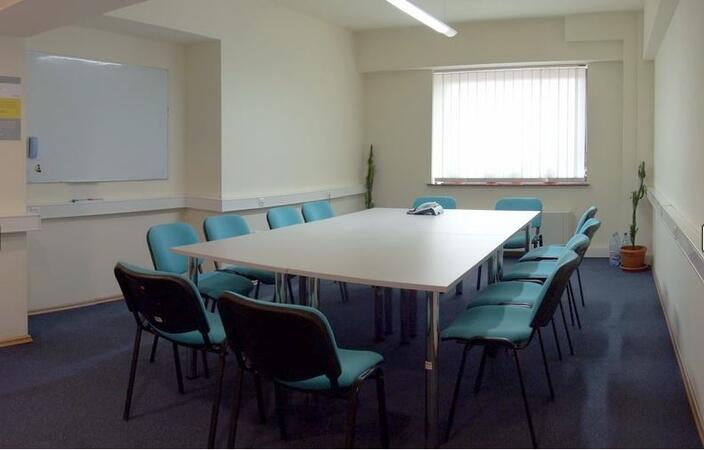
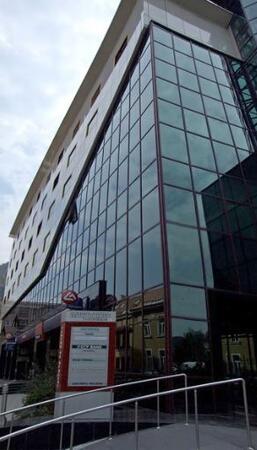
Brasov, Calea Bucuresti Street
NobleProg Brasov, 13 Calea Bucuresti Street Sacele, Brasov, romania, 505600
The hotel is situated at the city entrance, being the best conference and training location in Brasov. Three conference rooms can accommodate up to 170 guests and can be modified for the company needs. These training rooms are equipped with the all necessities of a good conference or training.
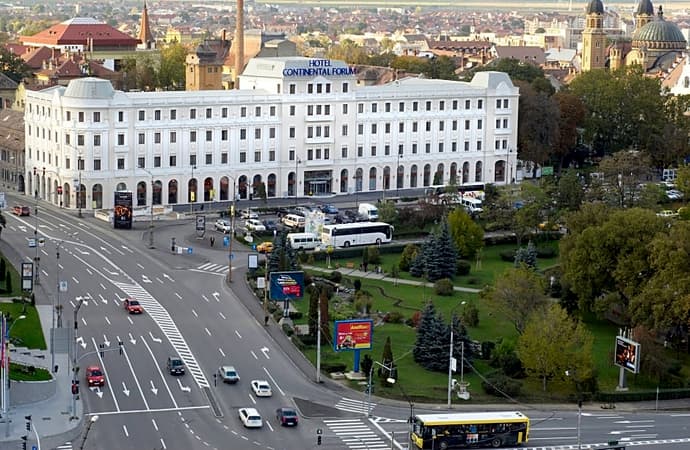
Salile de training sunt situate central în Sibiu, pe principalul bulevard. Clădirea hotelului care le gazduieste este de factură clasicistă si reprezinta un punct de referinta arhitecturala a orasului.
Turnul Sfatului, Galeria de Arta Contemporana, sau parcurile Corneliu Coposu si Astra se află în imediata apropiere.
Pentru a ajunge aici de la gara, puteti merge pe jos 20min sau cu autobuzul 5 circa 10min
Locuri de parcare găsiți în parcarea supravegheata, sau pe străzile alăturate.
Cluj-Napoca, Pitești Street
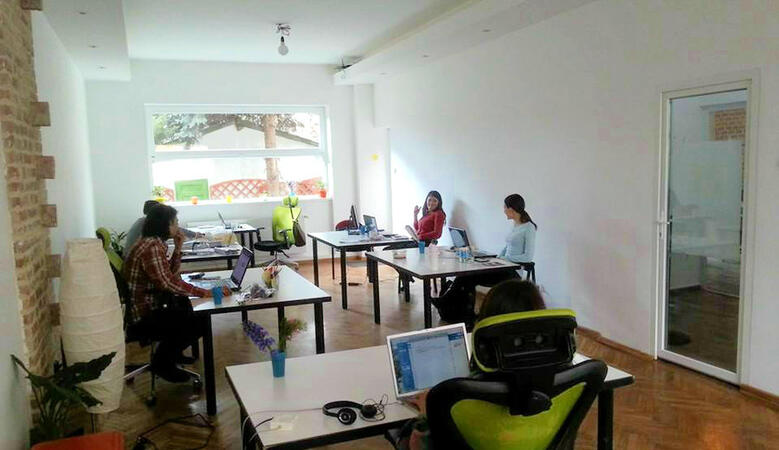
NobleProg Cluj-Napoca, Strada Pitești 19, Cluj-Napoca, romania, 400124
ClujHUB has more rooms for events and training sessions, which can host from 4 to 80 people. These areas can be setup up to fit the companies need. The location is great, 10 minutes walk from the historical city center.
This instructor-led session in Transylvania Central serves as an introductory guide for beginners to Microsoft Teams and Forms. Learners will develop the skills to manage channels, construct digital forms, and integrate these tools to achieve streamlined data collection and enhanced team communication workflows within an interactive setting.
Boost your productivity with this Microsoft Teams training in Transylvania Central. Master the skills to navigate teams, automate tasks with Power Automate, and streamline collaboration using integrated Microsoft 365 tools. Perfect for users seeking practical abilities to optimize real-world workflows.
Ready yourself for the MS-721 examination through this practical, hands-on training in Transylvania Central, which concentrates on the administration of Microsoft Teams collaboration, voice, and security frameworks. Acquire the skills to set up policies, governance, and troubleshooting protocols for enterprise environments, thereby strengthening your administrative capabilities.
This instructor-led, live training in Transylvania Central (online or onsite) is aimed at intermediate-level professionals who wish to optimize their use of Microsoft Teams and Read AI to enhance meeting outcomes and workflow efficiency.
By the end of this training, participants will be able to:
Configure and optimize Microsoft Teams for efficient meetings.
Integrate and personalize Read AI within Teams.
Use AI-powered features like summaries, transcripts, and participation analytics.
Improve collaboration, task tracking, and follow-up actions post-meeting.
Apply advanced strategies and use cases for sustained productivity.
This instructor-led, live training in Transylvania Central (online or onsite) is designed for beginner-level business professionals who want to leverage Microsoft Teams along with its powerful integrations with Outlook, OneDrive, and Lists to enhance team collaboration and productivity.
Navigate the Teams interface, create teams and channels, and manage communication through posts, chats, and meetings.
Schedule and join Teams meetings via both Teams and Outlook, utilize in-meeting collaboration tools like screen sharing, and manage meeting notes and recordings.
Efficiently handle emails, calendars, and Teams meetings using Outlook, and seamlessly transition between email and Teams communication workflows.
Leverage OneDrive for cloud storage, file sharing, and real-time document collaboration within Teams and Outlook, including managing file versions and recovery.
Create, customize, and manage Lists to organize tasks and projects, collaborate with team members, and integrate Lists with Outlook and OneDrive.
Seamlessly connect Teams with Outlook, OneDrive, and Lists to create a productive and integrated work environment, reducing redundant tasks and improving workflow efficiency.
Read more...
Last Updated:
Testimonials (2)
i learned alot
Rose-Ann - Heart FM
Course - Microsoft Teams: Practical Collaboration, Productivity, and Automation
The engagement and the practical examples we did as a group to get more understanding of the topic
ISABELLA - Sedibeng TVET College
Course - Microsoft Teams, Outlook, OneDrive, and Lists Integration
Online Microsoft Teams training in Transylvania Central, MS Teams training courses in Transylvania Central, Weekend Microsoft Teams courses in Transylvania Central, Evening Microsoft Teams training in Transylvania Central, Microsoft Teams instructor-led in Transylvania Central, Evening Microsoft Teams courses in Transylvania Central, MS Teams on-site in Transylvania Central, MS Teams classes in Transylvania Central, Microsoft Teams one on one training in Transylvania Central, Microsoft Teams boot camp in Transylvania Central, MS Teams trainer in Transylvania Central, MS Teams instructor in Transylvania Central, MS Teams instructor-led in Transylvania Central, Weekend MS Teams training in Transylvania Central, MS Teams private courses in Transylvania Central, Online MS Teams training in Transylvania Central, MS Teams coaching in Transylvania Central